Slack
Slack lets Sipfront post a message with the test details and results to a channel when a test run finishes.
What you need
- A Sipfront user with permission to manage integrations.
- Permission in your Slack workspace to install apps (or an admin who can approve Sipfront’s Slack app).
Connect Slack
- Open Account → Integrations and find the Slack card.
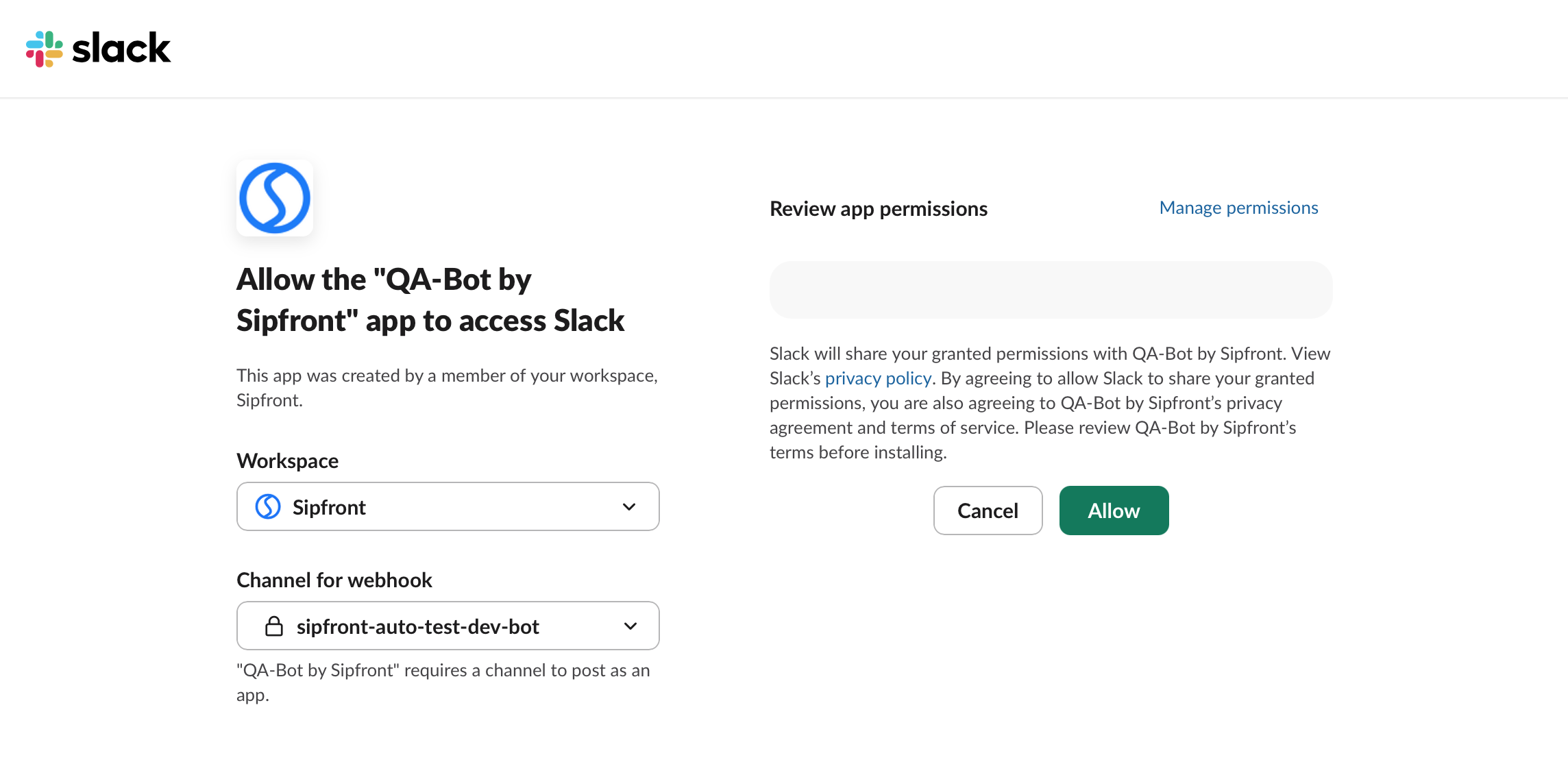
- Choose Connect workspace. Sipfront redirects you to Slack to authorize the Sipfront app for your workspace.
- Choose your workspace and the channel you want to receive notifications.
- Finish the integration by pressing Allow. You will be redirected back to Sipfront with a success message.