Microsoft Teams
Teams lets Sipfront post a message with the test details and results to a channel when a test run finishes.
What you need
- A Sipfront user with permission to manage integrations.
- A Microsoft 365 / Teams account with permissions to list and write to teams and channels.
Connect Teams
- Open Account → Integrations and find the Microsoft Teams card.
- Choose Connect workspace. You are redirected to Microsoft to sign in and consent.
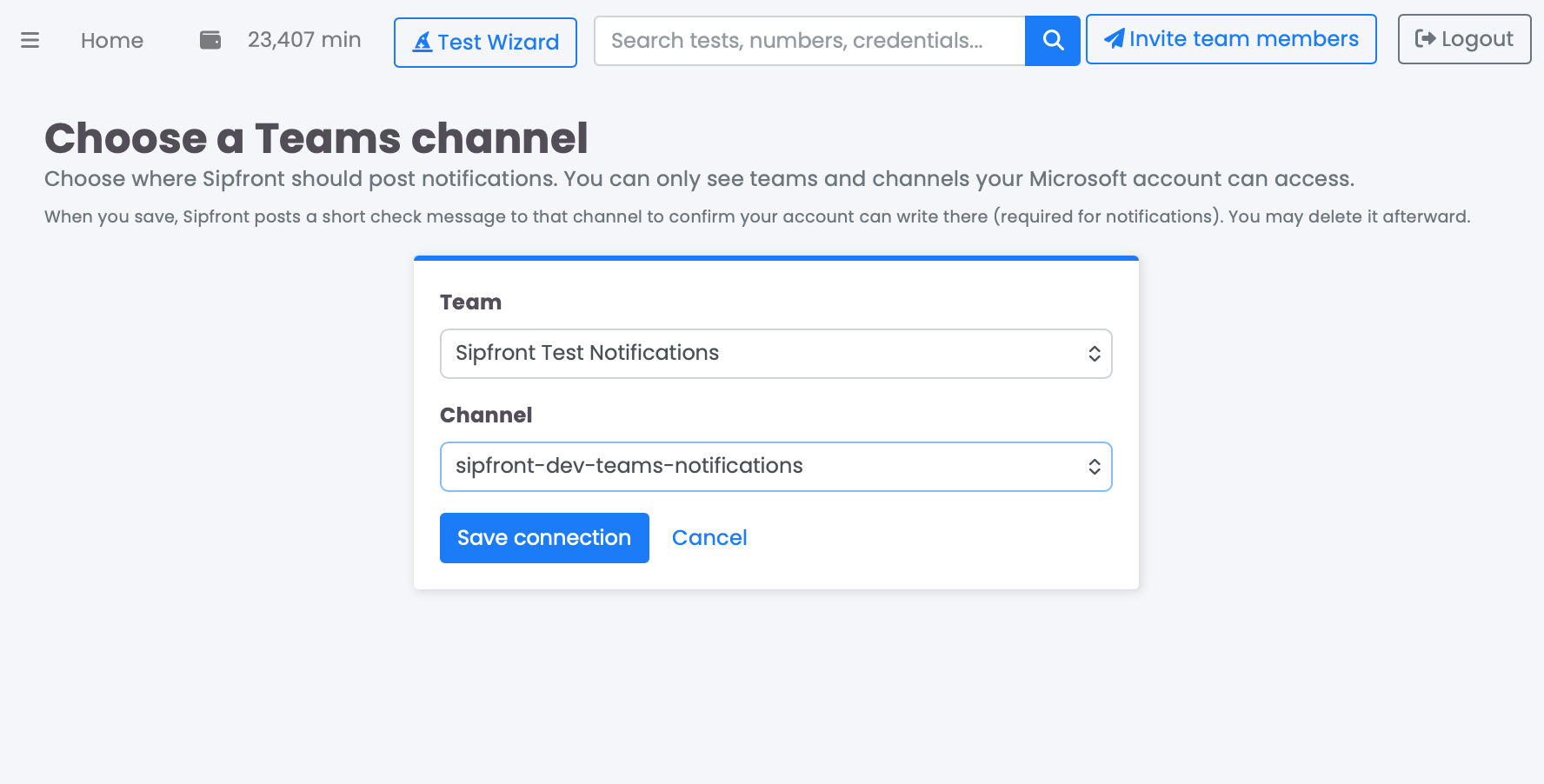
- Sipfront then guides you to pick a team and channel to receive notifications on.